Merge PDF
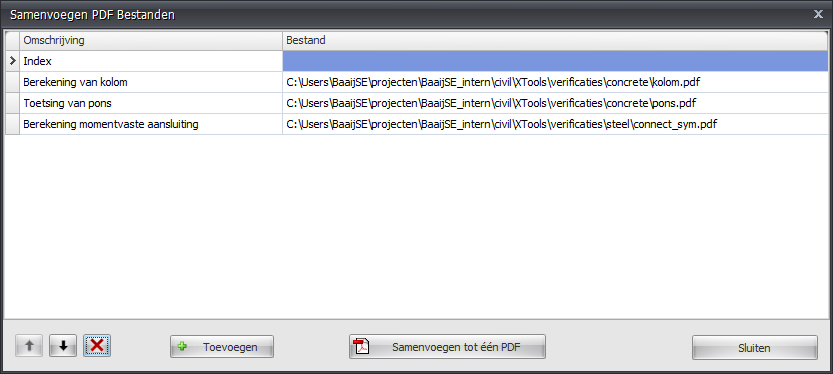
Merge multiple PDF files into a single document.
Features
- Combine multiple calculation reports
- Add external PDF documents
- Reorder pages
- Create a single comprehensive report
How to Use
- Open the Merge PDF dialog
- Add PDF files using the add button
- Reorder files as needed using up/down buttons
- Click Merge to create the combined PDF