Quick Start
Creating a Calculation
-
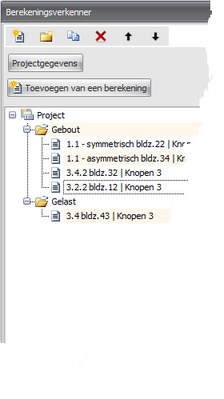
In the toolbar of the Calculation Explorer, choose
 (add calculation) or click "Add calculation"
 -
The corresponding input screen becomes visible and you can enter your data. The calculation results are shown in the output panel.
-
In the main toolbar or menu, choose
 for a print preview.
You can also create multiple calculations within one project file. See Calculation Explorer.